The best field apps are the ones that help crews capture accurate measurements, photos, locations, assignments, and punch-list status without slowing the job down. For construction teams, the right choice depends less on a famous app name and more on workflow fit, offline access, export quality, permissions, and how well the data reaches the people who must act on it.
Key Takeaways
- Measurement and punch-list apps should reduce duplicate entry, missing photos, vague notes, and lost follow-up.
- Field usability matters: offline mode, simple tagging, clear assignments, and fast photo capture are more important than feature overload.
- Teams should test apps on real jobsite conditions before making them standard practice.
Start with the field problem, not the app store
Field teams usually need mobile apps for two linked problems: capturing conditions accurately and making sure someone acts on them. Measurements, photos, sketches, punch items, room numbers, asset tags, and due dates lose value when they sit in a phone gallery or notebook. A good app turns observations into organized work.
The best app for a custom builder may not fit a commercial maintenance team. A subcontractor may need fast measurements and annotated photos. A general contractor may need punch-list assignment, due dates, and owner visibility. A facility team may need asset locations and maintenance follow-up. Define the workflow first.
Avoid choosing an app only because it has many features. Crews under pressure need speed, clarity, and reliability. If the app takes too many taps, fails offline, or produces messy exports, adoption will fade.
Measurement features that actually help
Useful measurement tools include photo-based annotation, plan calibration, area and length takeoffs, room or grid tagging, voice-to-text notes, and exportable reports. The app should also preserve context: who captured the measurement, when it was captured, what drawing or area it relates to, and whether it has been reviewed.
Measurement apps should support, not replace, drawing literacy. Workers still need to understand scale, dimensions, details, and revision status. That makes ',link('Reading construction drawings for the first time'),' a practical foundation before relying heavily on mobile capture.
When apps connect to drawings or models, version control matters. A measurement tied to an outdated sheet can create the same problems as a marked-up paper plan left in a truck.
Punch-list workflows need accountability
A punch-list item should include location, description, photo, responsible party, priority, due date, status, and verification. Vague items such as “fix wall” or “check ceiling” waste time because the assignee has to rediscover the issue. Strong apps make it easy to attach photos, mark up the exact location, assign ownership, and close the loop.
Status choices should be simple: open, in progress, ready for review, rejected, and closed may be enough for many teams. Too many status labels create confusion. Permissions should prevent accidental deletion or unapproved closure, especially near turnover.
AIA guidance on clearer drawings and specifications points to a larger truth: project communication improves when information is precise, current, and easy to find. Punch-list apps should support that discipline rather than become another disconnected channel.
Evaluate apps under real site conditions
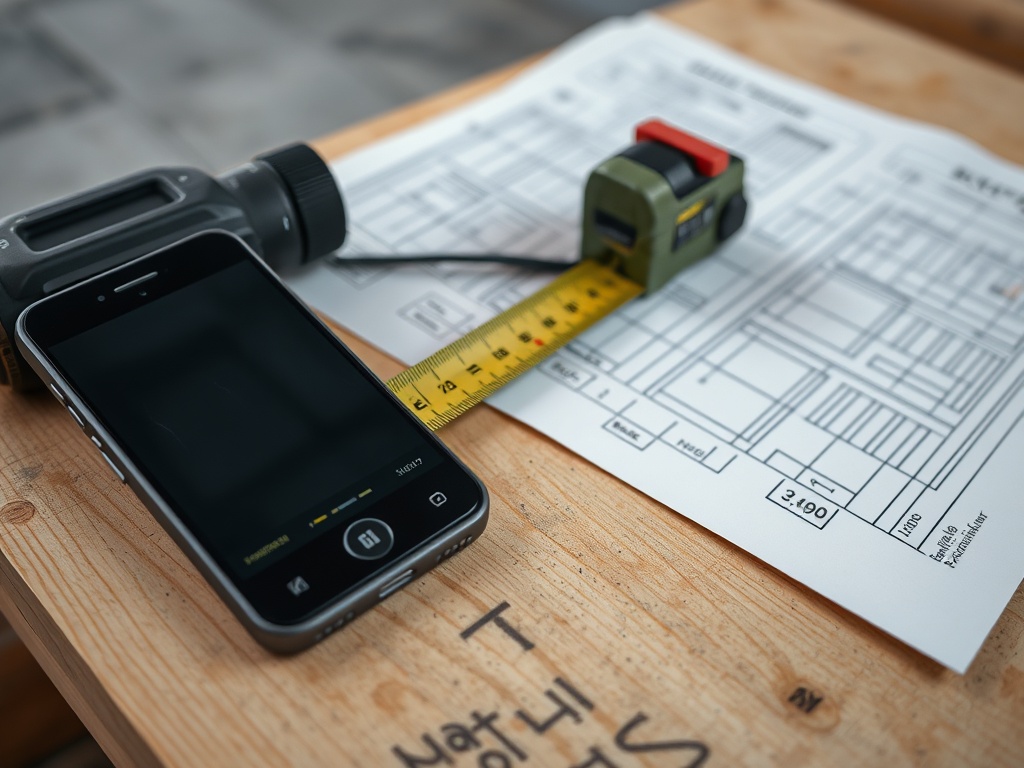
Test apps where they will actually be used: basements, rooftops, mechanical rooms, exterior sites, and occupied facilities. Check offline performance, photo upload behavior, battery use, screen visibility, glove use, and how quickly a worker can create a complete item. A conference-room demo rarely reveals these issues.
Exports matter. Owners, architects, contractors, and facility teams may need PDFs, spreadsheets, issue logs, or integrations with project-management systems. If data cannot be shared cleanly, the app may trap information instead of improving it.
For teams using BIM, mobile capture may connect field issues to model locations or asset data. A basic understanding of ',link('BIM basics for owners, contractors, and facility managers'),' helps teams decide whether model-connected workflows are useful or excessive for the project.
Adoption depends on training and rules
Even simple tools need rules. Decide naming conventions, required fields, photo standards, location formats, closeout permissions, and review cadence. Train users on a small set of expectations and audit early entries for consistency. The goal is not perfection; it is reliable information that can be acted on.
Mobile devices also need practical care. Broken screens, dead batteries, missing chargers, and unsecured devices can slow work. Tool and device storage practices, like those covered in ',link('How to store tools to prevent theft, rust, and downtime'),', are part of keeping digital workflows dependable.
Informational disclaimer: this article is educational only and does not replace professional project-management, legal, contract, data-security, or compliance advice. App selection should account for project requirements, privacy rules, cybersecurity expectations, and owner documentation standards.
Field rollout rules that improve adoption
A field app rollout should start with a small group that represents the real users: superintendent, foreman, project engineer, service technician, and office coordinator where applicable. Let them test the workflow on live issues and report where the app slows them down. Their feedback is more useful than a feature list created by people who will not use the tool daily.
Create a short standard for photos and notes. For example, each punch item may require one close photo, one context photo, a location tag, a responsible party, and a due date. Notes should describe the required outcome, not just the defect. “Touch up chipped paint at west return” is more actionable than “paint issue.”
Plan for closeout. Decide who verifies completed items, how rejected work is handled, and how final reports are exported for the owner. Without a closeout rule, apps can accumulate hundreds of old items that no one trusts.
The rollout should include data-retention rules. Project teams need to know how long photos, punch items, measurements, reports, and exports will be kept, who can access them, and how they will be transferred at closeout. This is especially important when documentation may support warranty, maintenance, or dispute resolution later.
App standards should stay light enough for the field. If every item requires too many fields, users may delay entry or create vague shortcuts. Start with the minimum information needed to act, then add fields only when they improve assignment, verification, reporting, or owner turnover.
This final check should be written down, assigned to a responsible person, and revisited after the next comparable project so the team can improve the standard instead of relying on memory.
For additional context, review AIA drawing/spec best practices and NIBS BIM guide as part of project-specific due diligence.
Checklist for The Best Mobile Apps
- Define the workflow before comparing apps.
- Test offline access, photo capture, exports, and permissions on a real site.
- Require location, owner, due date, status, and verification for punch items.
- Protect against outdated drawings or uncontrolled versions.
- Train the team on naming rules, required fields, and closeout procedures.
Choosing tools crews will actually use
The best field app is not the most complicated one. It is the one that helps busy people capture clear information, assign responsibility, and finish work without creating another layer of confusion.
Next step: use the framework above to review one active project, work order set, or building portfolio, then document the questions that need professional confirmation before decisions are finalized.